Runs in your browser — your images stay private
Remove image backgrounds in seconds
CutoutKit is a free background remover that runs entirely in your browser. Drop in a photo and walk away with a clean transparent PNG — no uploads, no signups, no watermarks.
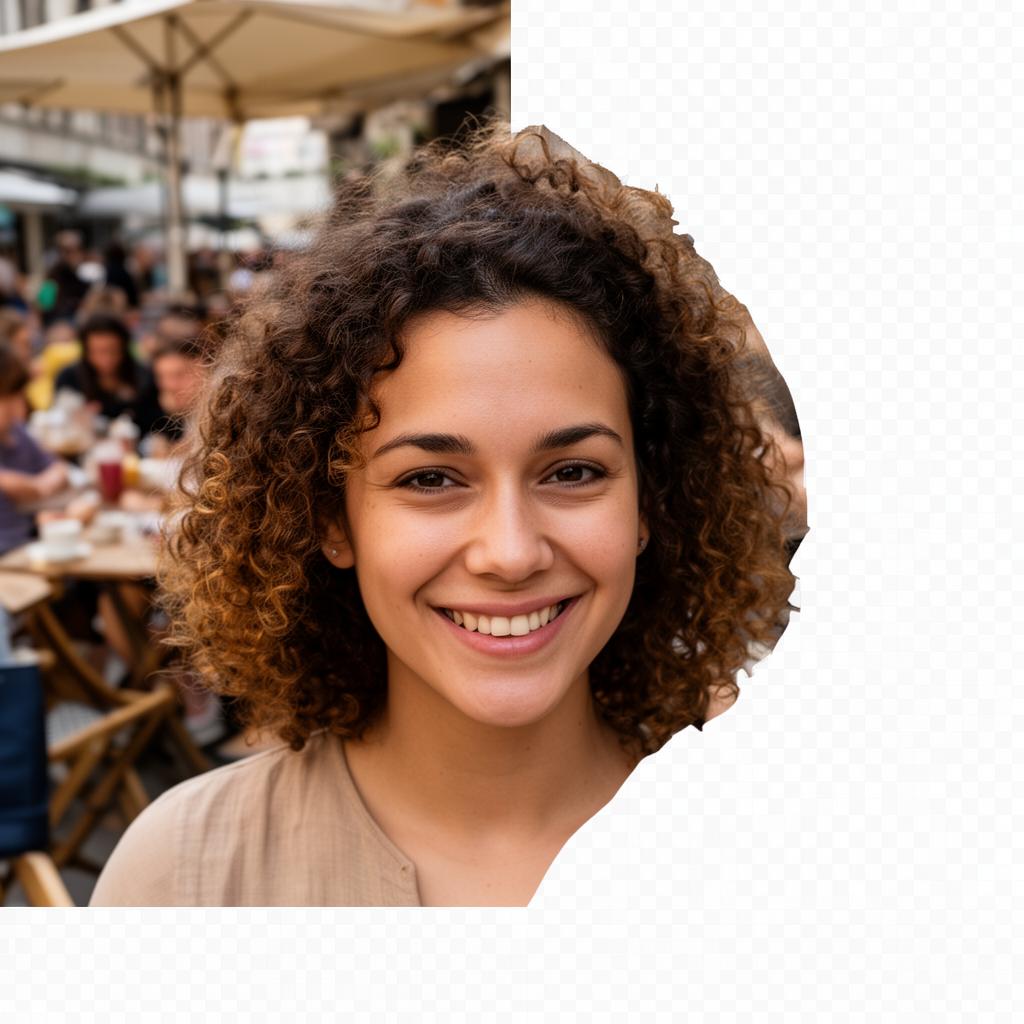
Built for creators who care about privacy
Most online background removers send your photos to a remote server. CutoutKit doesn't. Here's what that means in practice.
100% private
Images are processed locally in your browser. Nothing is ever uploaded to a server.
Genuinely fast
Most cutouts finish in under 10 seconds on a modern device — no queues, no rate limits.
Works offline
Once the model is cached, you can remove backgrounds even without an internet connection.
Clean edges
AI-powered segmentation handles hair, fur, and intricate outlines without manual masking.
Transparent PNG
Export ready-to-use PNGs with a true alpha channel — no white halos, no jagged borders.
No watermark
Free really means free. Use the result for personal or commercial work without attribution.
How it works
Three steps, no learning curve.
01
Upload an image
Drag a JPG, PNG, or WebP into the tool, or click to browse from your device.
02
Wait a few seconds
An AI model running in your browser detects the subject and isolates it from the background.
03
Download the PNG
Preview the cutout and download a transparent PNG ready for design tools or social posts.
What people use CutoutKit for
A background remover is a small tool with surprisingly broad uses. Here are some of the most common.
Product photos
Standardize e-commerce listings with clean white or transparent backdrops.
Profile pictures
Create polished avatars for LinkedIn, Slack, or speaker bios.
Marketing graphics
Drop subjects into banners, ads, and social posts without manual masking.
Presentations
Remove distracting backgrounds from photos before placing them in slides.
Print & merch
Prepare logos, stickers, and apparel mockups with crisp edges.
Digital art
Quickly extract reference subjects to composite into illustrations.
Frequently asked questions
Everything you might want to know before using the tool.
Is CutoutKit really free?
Yes. There are no accounts, no credits, no watermarks, and no usage caps. The site is supported by clearly-labeled advertising shown around the tool — never on top of it.
Are my photos uploaded to a server?
No. CutoutKit runs entirely in your browser using WebAssembly. Your image never leaves your device, which is why it works on private documents, client work, and sensitive material.
What image formats can I use?
You can upload JPG, PNG, and WebP files up to 12 MB. The output is always a transparent PNG so you can drop the cutout onto any background.
Why is the first cutout slower?
The first time you use the tool, your browser downloads the AI model (~30 MB) and caches it. After that, every cutout is much faster and works even offline.
Does it work on phones?
Yes. CutoutKit is mobile-first and works on modern iOS and Android browsers. Performance depends on your device, but most photos finish in well under a minute.
Can I use the results commercially?
You can use any cutout you produce however you like, as long as you have the rights to the original image. CutoutKit doesn't claim any ownership of your photos or results.
Still have a question? Get in touch.
Ready to clean up that photo?
Scroll back up and drop your image in. It's free, private, and takes about 10 seconds.
Try it now